No products in the cart.

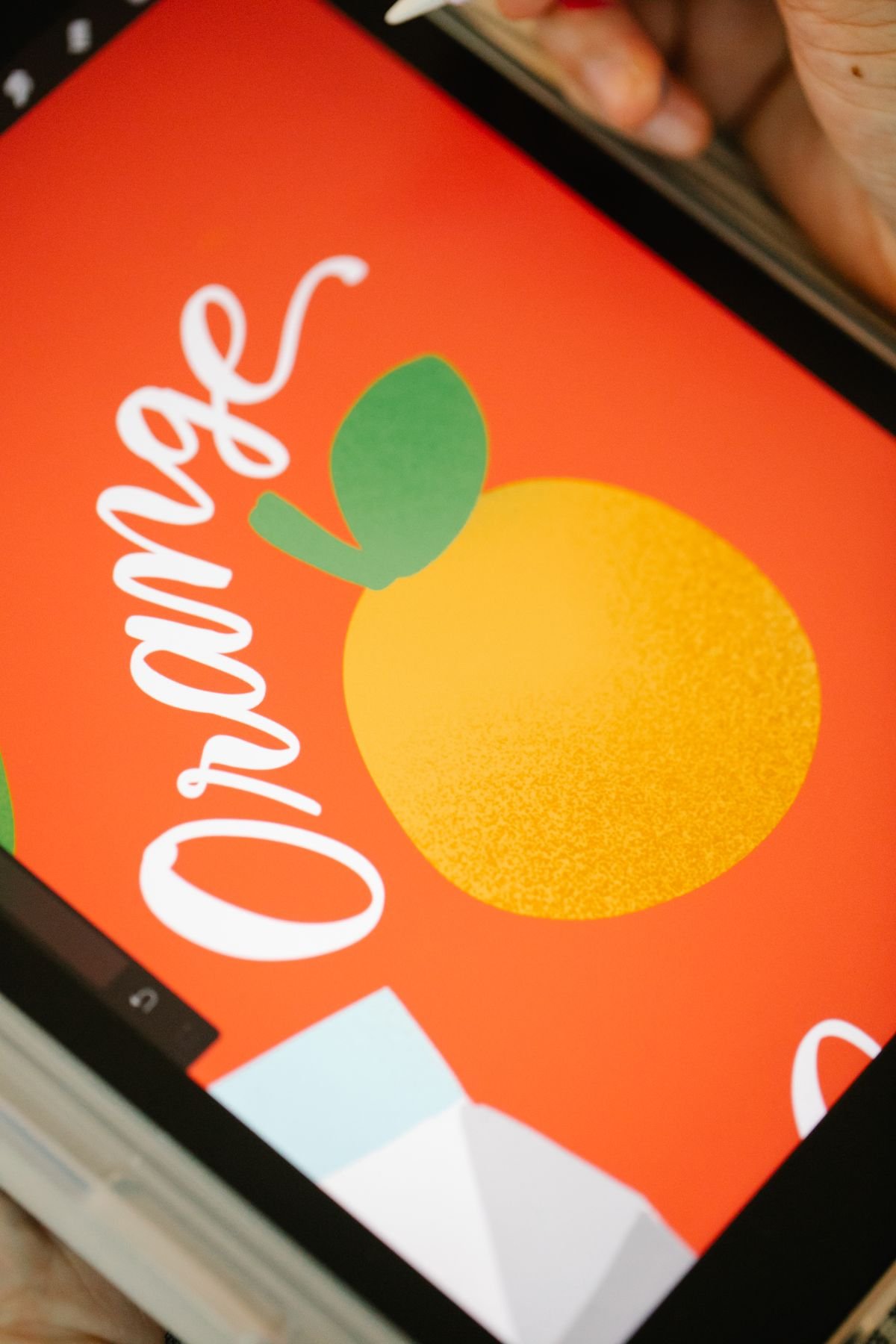
A logo that looks crisp on your website or a social media post can come out blurry, pixelated, or the wrong color once it’s printed on a box. That’s not a print quality issue — it’s usually a file format issue. Screens and printers build images in completely different ways, and sending the wrong file type is the single most common reason a design proof needs a second round of revisions. A little bit of file-format knowledge up front saves back-and-forth later.
Vector files (.AI, .EPS, and most .PDF files) are built from mathematical shapes and paths rather than a grid of pixels. That means they can be scaled up to any size — a business card logo or a six-foot banner — with zero loss of sharpness. Vector is the ideal format for logos, text-based designs, and clean graphic artwork, which covers the majority of packaging designs.
Raster files (.JPG, .PNG, .TIFF) are built from a fixed grid of pixels. They’re the right choice for photographs or designs with complex color blending and shading that vector tools can’t easily reproduce. The tradeoff is that raster images have a fixed resolution — enlarge them past their native size and they get soft or blocky.
If your packaging design is mostly a logo and simple graphics, send vector. If it includes a photograph, send high-resolution raster, and we’ll advise on how it will interact with the vector elements around it.
For any raster image, resolution is measured in DPI (dots per inch) at the size it will actually print. A photo that looks perfect on a laptop screen is often only 72 DPI — fine for web, but well below the 300 DPI standard needed for sharp print output. Before sending a raster image, check its dimensions at 300 DPI: an image that’s only 800 x 600 pixels will look noticeably soft printed at 6 x 4 inches, even though it looked fine on screen.
The easiest files to make quick revisions to are native, editable design files: Adobe Illustrator (.AI), Adobe Photoshop (.PSD), and layered PDFs. These let our design team adjust text, resize elements, or update colors directly, rather than rebuilding your design from a flattened image. If you have access to the original file your logo or design was created in, that’s almost always the best option to send — even if it feels like “too much” file for a simple logo.
A few file situations that reliably slow down a print order: screenshots of a logo (low resolution and often compressed), a logo pulled directly off a website (usually 72 DPI and sometimes in the wrong color mode), and Word or PowerPoint files with an embedded image (the embedded version is often a compressed, lower-quality copy of the original). None of these are unusable — we can often work with what you have — but starting from a cleaner source file means fewer proof revisions and a faster path to production.
You don’t need to be a designer to get this right. Send us whatever file you have, and as part of your quote we’ll tell you whether it’s print-ready or whether we recommend a different version. If you don’t have a digital file at all — just a logo on a business card or an idea in your head — our design team can also build a print-ready file for you from scratch.
The seconds a customer spends opening your box shape how they feel about your brand long after the sale

Custom packaging isn't just for brands with warehouse-sized minimum orders. Here's how small businesses

From mono-material boxes to typography-led design, here are five practical packaging trends that make
A plain-English guide to kraft, corrugated, rigid, mailer, and mylar packaging, so you can pick the right



Leave a comment